 MiraYola

MiraYola · Features
AI Music Video Generator
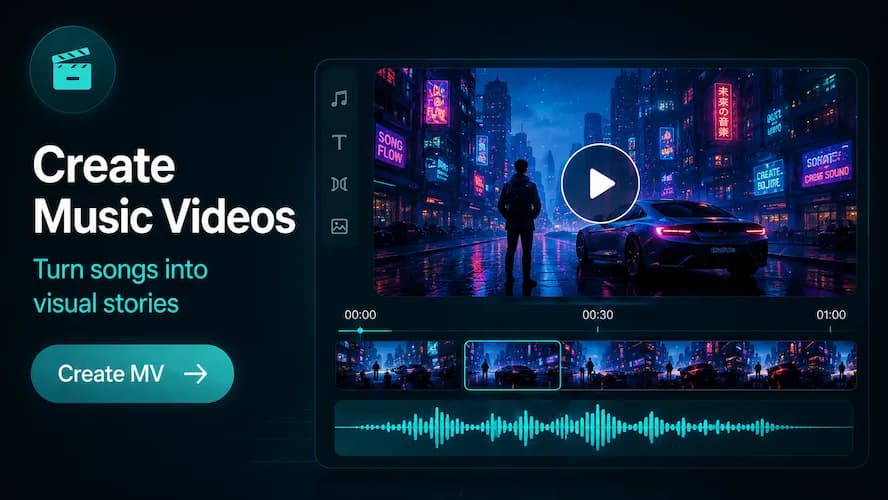
Turn an eligible song into a visual story. Describe the look, add optional reference images and create an AI music video in MiraYola.
Create with MiraYolaCreation takes place in the MiraYola app.MiraYola AI Music Maker
Move from song to visual story
MiraYola connects music creation with a dedicated MV workflow. Start with an eligible song, shape the visual atmosphere and choose the format that fits how you want to watch or share it.
Create songs your way
Create songs your way
Start with the song
Choose an eligible song from your MiraYola creations so the music remains the foundation of the video.
Describe the visual world
Set the mood, setting, color or cinematic direction, and optionally add up to two reference images.
Choose the orientation
Select portrait or landscape based on the visual experience you want to create.
How it works in MiraYola
How it works in MiraYola
- Open an eligible song in MiraYola.
- Choose the music video option.
- Describe the visual style and add optional reference images.
- Choose portrait or landscape orientation.
- Create and review the music video in the app.
Ideas to try
Ideas to try
- A neon-lit night drive for an electronic song
- Soft watercolor memories for a love ballad
- High-energy cuts and bold color for a rap track
- A quiet cinematic landscape for an ambient song
MiraYola
Related features
Guides & Ideas
Keep Exploring
FAQ
Frequently asked questions
Can MiraYola turn any song into a music video?
Music video creation is available for eligible songs in the app. Availability can depend on the song and current product options.
Can I add reference images?
Yes. The current workflow allows optional reference images to help guide the visual style.
Can I create the video on this website?
No. The website explains the feature; music video creation takes place in the MiraYola app.
MiraYola App
Keep creating in the MiraYola app
Song generation, remixing and music video creation take place in the MiraYola app. Download it to start creating.