 MiraYola
MiraYola · Music for Creators
AI Music for YouTube Videos
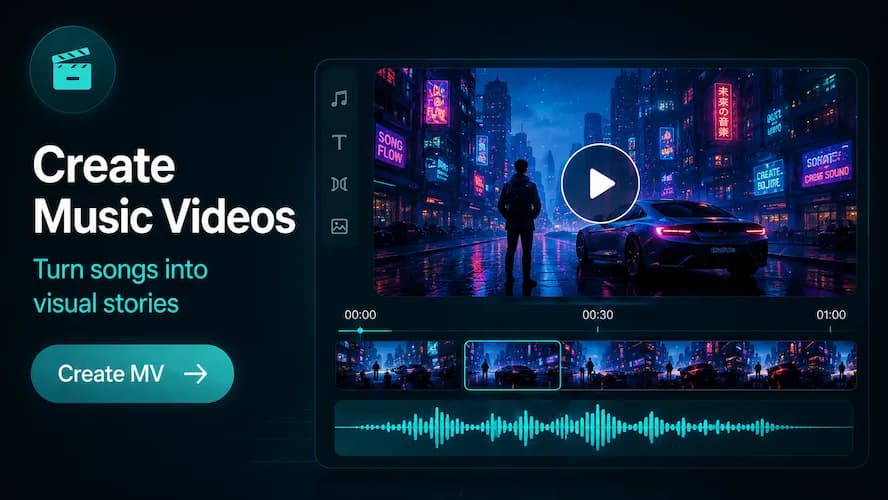
Develop music ideas around the pace and mood of a video, whether you are planning a vlog, travel story, gaming edit, tutorial or Short.
Create with MiraYolaSong creation is available in the MiraYola app for iOS and Android.MiraYola AI Music Maker
Start with the Role Music Plays in the Video
Before choosing a genre, decide what the music should do. It might open a travel sequence, support quiet narration, raise tension in gameplay or give a Short a quick rhythmic identity. Describe the video’s pace, emotional direction and where the music needs to change.
Video formats
Music Ideas for YouTube Content
Vlogs
Use a clear mood and light arrangement that can sit alongside spoken moments.
Travel Videos
Match location, movement and the emotional shape of the journey without overcrowding the edit.
Gaming
Describe the intensity curve, game atmosphere and whether the music supports action or commentary.
Tutorials
Choose a steady, restrained direction that does not compete with instructions or demonstrations.
YouTube Shorts
Ask for an immediate opening, a compact idea and a rhythm that fits a short edit.
Channel Intros
Build a brief, recognizable musical identity that reflects the channel’s tone.
MiraYola App
How to Plan Music for a YouTube Video
- Define the video format, audience and the feeling the opening should create.
- Note the length, pacing and moments where narration, dialogue or visual action must stay clear.
- Choose one main genre, tempo range and a small set of instruments or textures.
- Generate and review the musical direction in the MiraYola app alongside the rough edit.
- Before publishing, check the current MiraYola terms, YouTube requirements and the rights for every input used in the project.
Prompt Ideas
YouTube Music Prompt Examples
- Airy electronic-pop cue for a coastal travel vlog, gentle opening, forward motion and space for short narration sections.
- Focused lo-fi instrumental direction for a software tutorial, steady mid-tempo beat, soft keys and no dramatic changes.
- Tense hybrid-electronic track for a gaming highlights edit, quick opening, rising middle and a clean final hit.
- Bright rhythmic idea for a fast cooking Short, immediate first beat, playful percussion and a compact ending.
Writing Tips
Check Rights Before Publishing
This page offers creative workflow guidance; it does not grant a license. Before uploading a video, review the current MiraYola terms and YouTube policies, and make sure you have the necessary rights to lyrics, uploaded audio, samples and any other source material used in the project.
MiraYola
Keep Exploring
FAQ
Frequently Asked Questions
What video formats can I plan music for?
You can shape prompts around vlogs, travel stories, gaming edits, tutorials, Shorts, intros and other video formats.
How should I describe music for a video with narration?
Ask for a restrained arrangement and explain where speech needs space. Keep the main mood and tempo clear rather than adding many competing instruments.
What should I check before uploading the result?
Review the current MiraYola terms and YouTube policies, and confirm the necessary rights for lyrics, reference audio, samples and other material used.
Does this page provide a usage license?
No. This page describes creative ideas and workflow only. Any permitted use depends on the current applicable terms and the materials in the project.
Can I generate music directly on this page?
No. Music creation takes place in the MiraYola app for iOS and Android.
MiraYola App
Shape Music Around Your Next Video
Use your video format, pace and mood to build a focused music direction in the MiraYola app, then confirm the applicable rights before publishing.